Components
The blocks you can use in any page, with an example of each. They work in MDX without an import.
Pages live in src/content/docs/ as MDX files. Write Markdown as usual and drop in any of the components below where you need more than text.
Callout
Use a callout for something the reader should not miss. There are four types: note, tip, warning and danger.
<Callout type="tip" title="Faster imports">
  Send documents in batches of up to 1,000 per request.
</Callout>
Cards
Cards point to other pages. Group them with CardGroup and choose two or three columns.
<CardGroup cols={2}>
  <Card title="Quickstart" icon="rocket" href="/docs/getting-started/quickstart">
    Your first search in five minutes.
  </Card>
</CardGroup>
The icons are rocket, key, database, code, book, flash, search, filter and layers.
Code groups
Show the same example in several languages. Readers switch with the tabs, and every block has a copy button.
curl https://api.zeroindex.test/v1/indexes/products \
  -H "Authorization: Bearer $ZEROINDEX_KEY"
const index = await client.index("products").get();<CodeGroup labels={["cURL", "JavaScript"]}>
```bash
curl https://api.zeroindex.test/v1/indexes/products
```
```js
const index = await client.index("products").get();
```
</CodeGroup>Tabs
Tabs hold any content, not only code.
<Tabs labels={["Server", "Browser"]}>
  <Tab>Use an admin key and the full client.</Tab>
  <Tab>Use a search key and the search only client.</Tab>
</Tabs>
Steps
Steps number a sequence for you.
Create an index
Name it after what it holds, likeproducts.Add documents
Send them as a JSON array.Search
Query the index from your app.<Steps>
<Step title="Create an index">Name it after what it holds.</Step>
<Step title="Add documents">Send them as a JSON array.</Step>
</Steps>Accordion
Accordions hide detail until the reader asks for it. They suit questions and edge cases.
What counts as a document?
Any JSON object with an id. Nested objects and arrays are fine.
Is there a size limit?
Each document can be up to 100 kB.
<Accordion title="What counts as a document?">
  Any JSON object with an `id`.
</Accordion>
Fields
Document the parameters a request takes with ParamField, and what comes back with ResponseField.
The text to search for.
How many hits to return, up to 100.
The matching documents, best first.
<ParamField name="limit" type="number" default="20">
  How many hits to return, up to 100.
</ParamField>
<ResponseField name="hits" type="array">
  The matching documents, best first.
</ResponseField>
Badges
Badges label versions and states: Beta New Preview Stable Deprecated v2.4
<Badge variant="success">Stable</Badge>The variants are muted, accent, warning, success, danger and outline.
Images
Wrap screenshots in a Frame to give them a border and an optional caption. Pass darkSrc and readers in dark mode see the dark version. Put image files in public/images/.
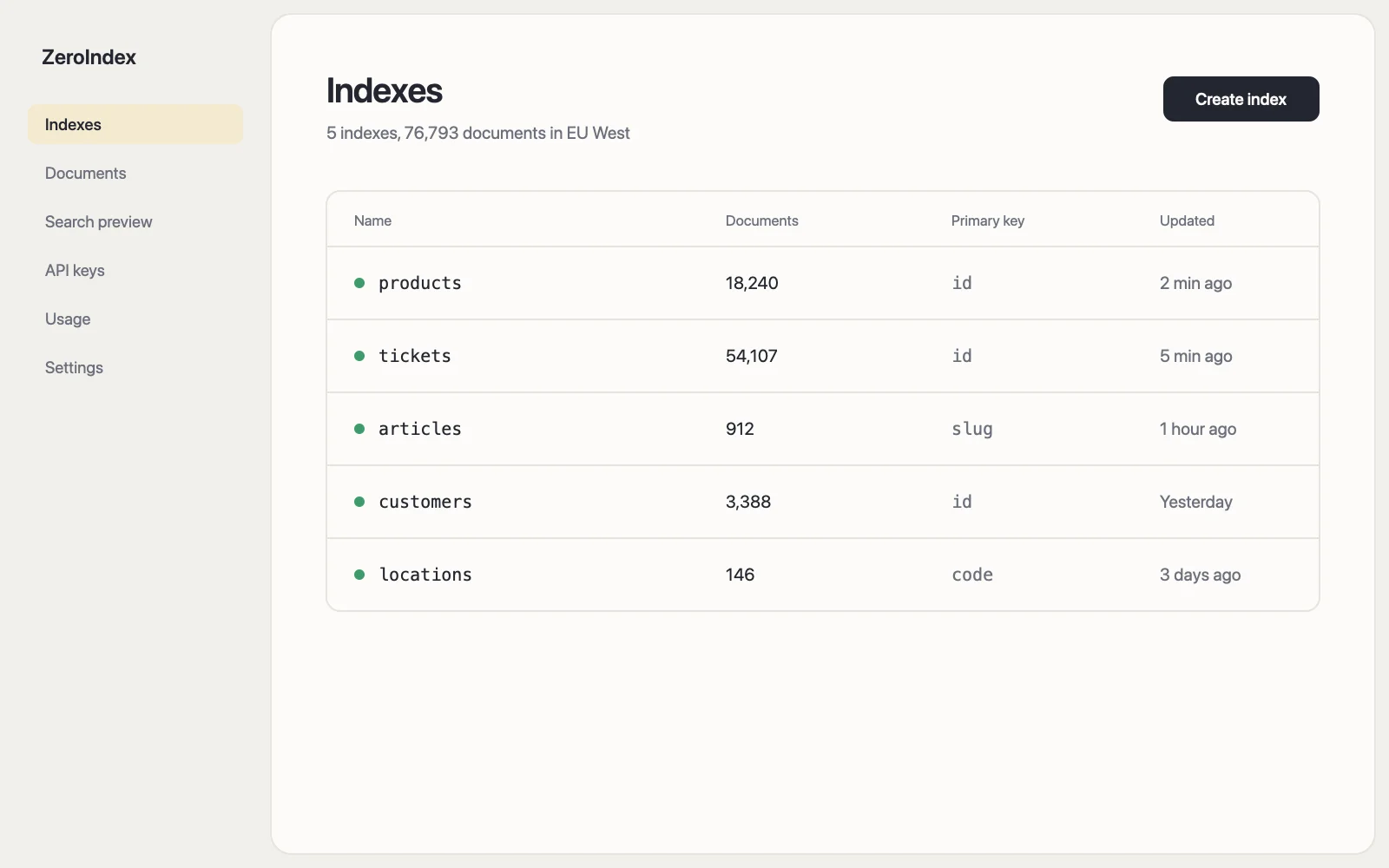
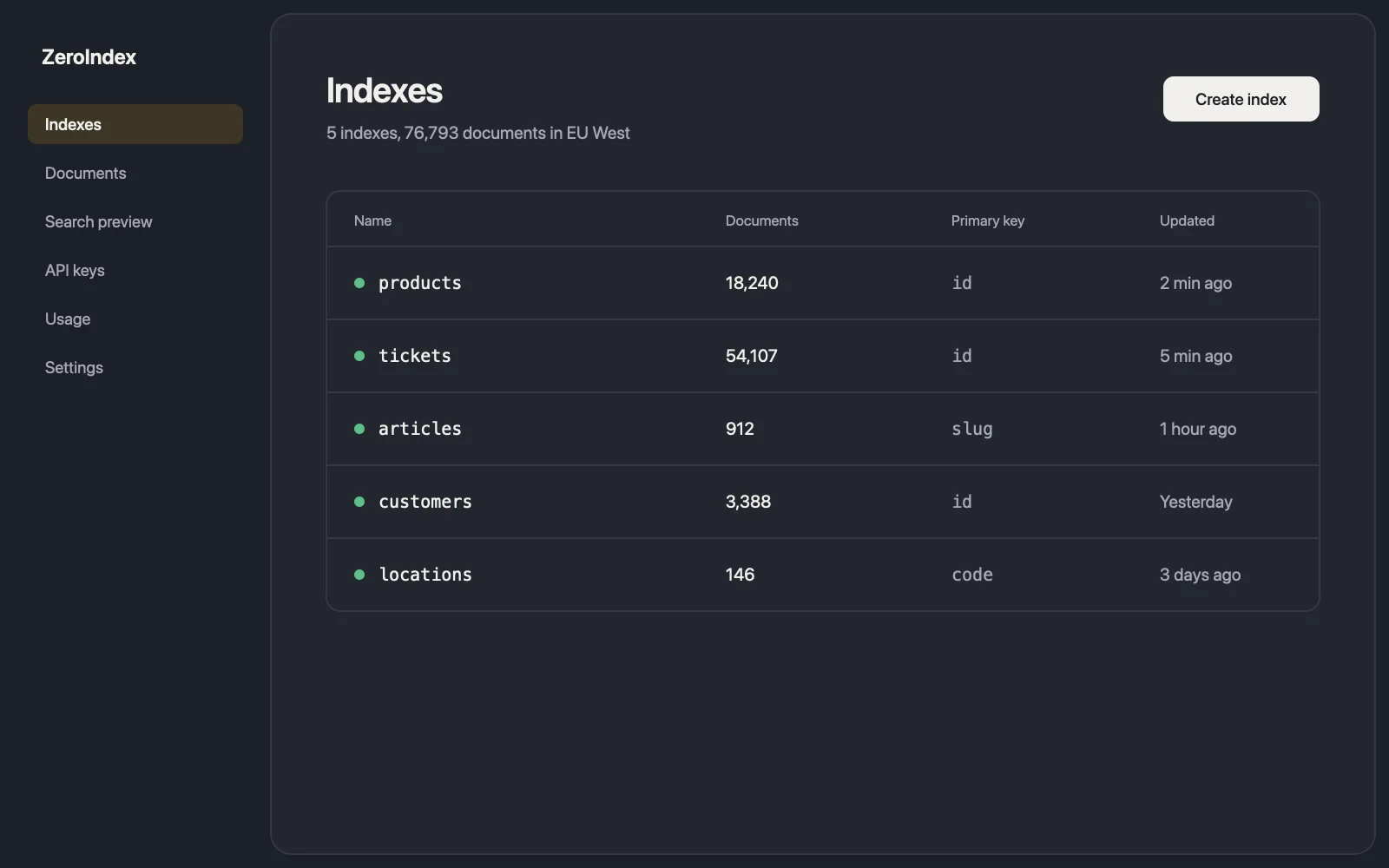
<Frame
  src="/images/docs/dashboard-light.webp"
  darkSrc="/images/docs/dashboard-dark.webp"
  alt="The Indexes page of the ZeroIndex dashboard"
  caption="The Indexes page in the dashboard."
/>
Plain Markdown images get the same border, without a frame or caption.
Video
Video plays a file you host. Add autoplay for short clips that loop silently, like a terminal recording. Without it, the video waits behind a poster with controls.
<Video
  src="/images/docs/terminal-build.mp4"
  poster="/images/docs/terminal-build.webp"
  title="Running a production build"
  autoplay
/>
For YouTube or Vimeo, pass the video id instead of src. The player only loads when someone presses play, so the page stays fast.
<Video youtube="VIDEO_ID" poster="/images/docs/talk.webp" title="Search relevance in ten minutes" />
<Video vimeo="VIDEO_ID" title="Setting up faceted search" />